AI Passport Photo Maker
No photo booth, no drugstore queue. Turn a selfie into a clean, correctly-framed ID photo with AI — in seconds, from home.
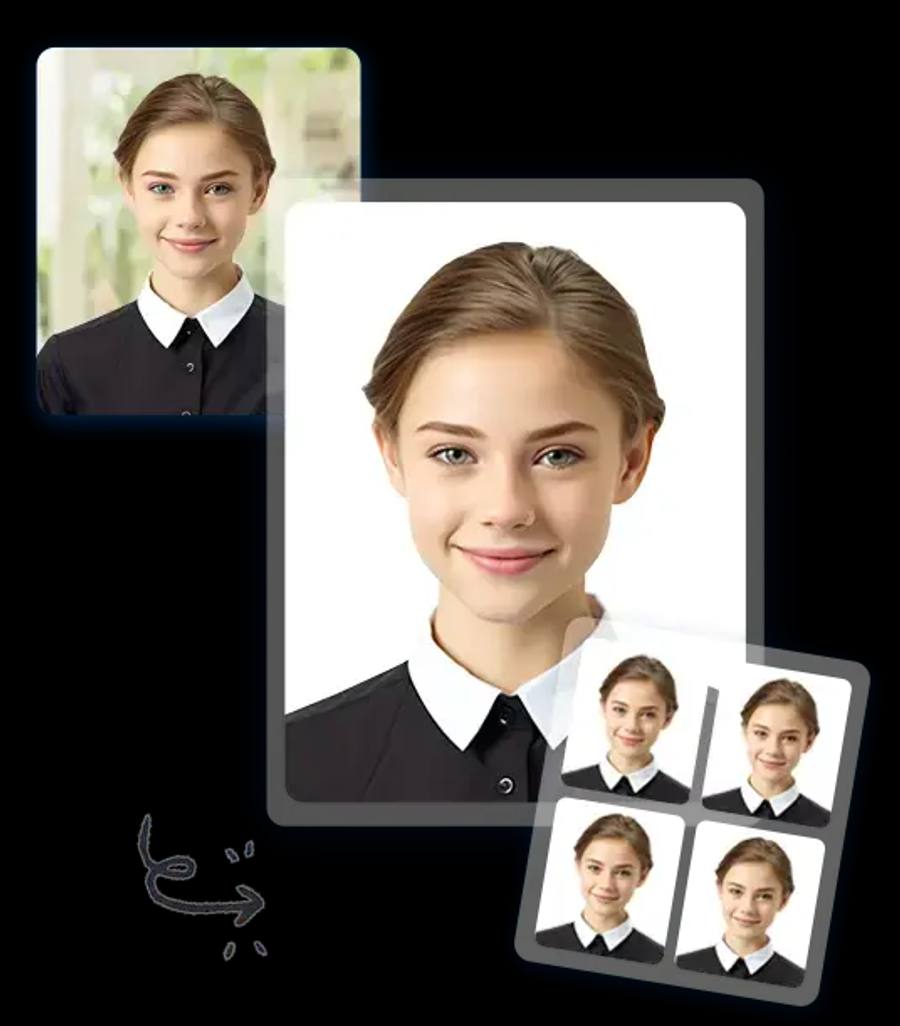
How it works
Upload a front-facing selfie and type a prompt like “plain white background, passport photo framing, even lighting.” The AI cleans up the background and balances the light. Then crop to your country's exact dimensions.
Example prompts
- “Plain white background, passport photo style”
- “Even frontal lighting, neutral expression”
- “Remove background clutter, keep plain backdrop”
- “Correct uneven lighting on my face”
- “ID photo framing, head and shoulders centered”
- “Clean studio-style ID photo look”
Perfect for
- Passport applications and renewals
- Visa photos
- Driver's license and ID cards
- Work badges and school IDs
- Urgent applications — no appointment needed
Important note
Many governments require unaltered photos. xmorf is great for fixing backgrounds, lighting, and framing — but always verify the result against your country's official photo rules before submitting. When in doubt, use it for the framing and retake the final shot the same way.
Why xmorf for ID photos?
- Free to try — 3 edits per month, no sign-up
- Faster and cheaper than a photo booth
- Retake as many times as you want until it's right
- Applying for the whole family? Pro ($44.99/mo) covers 100 edits a month
Free to try · No sign-up · No credit card